
Set up your teacher account
Sign up as a teacher, choose your subjects and grades, and get your public teacher profile.
-
1
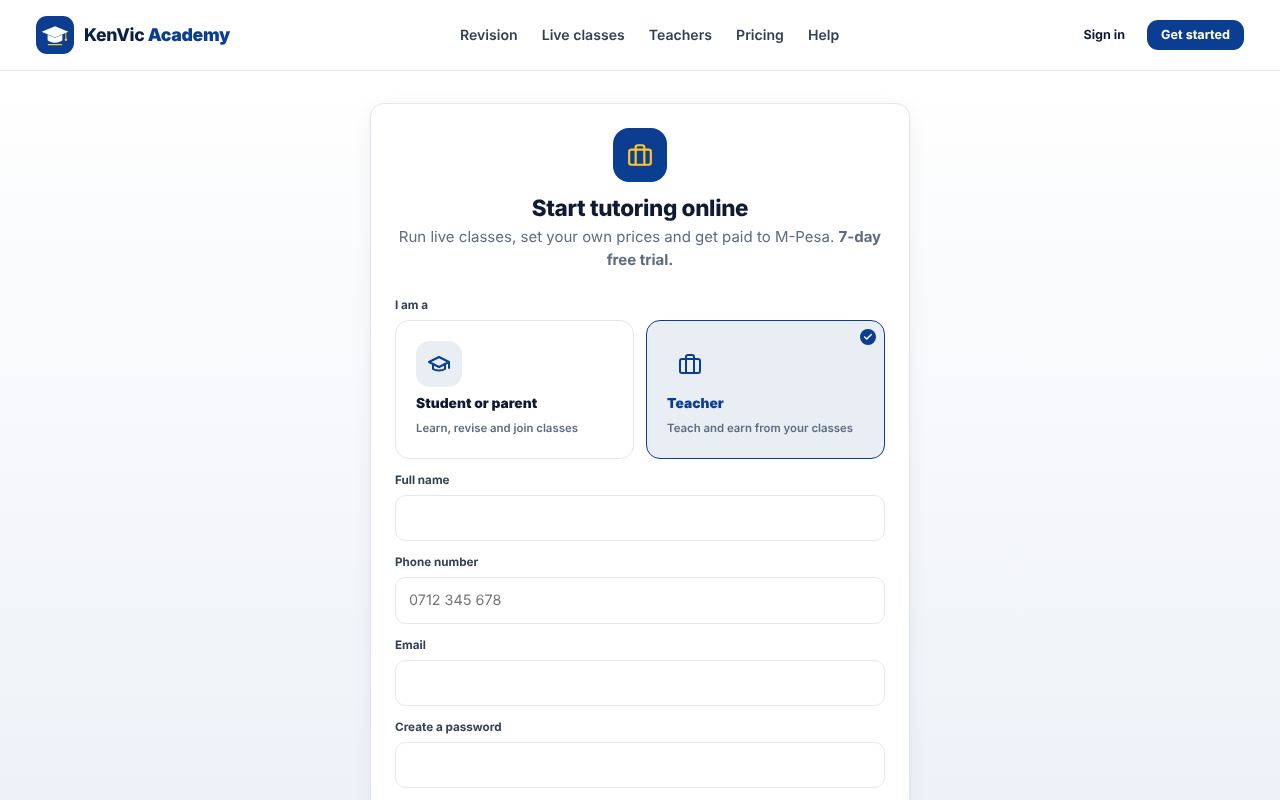
Sign up as a teacher
Tap "Start tutoring" and choose Teacher. Fill in your name, phone, email and password.
-
2
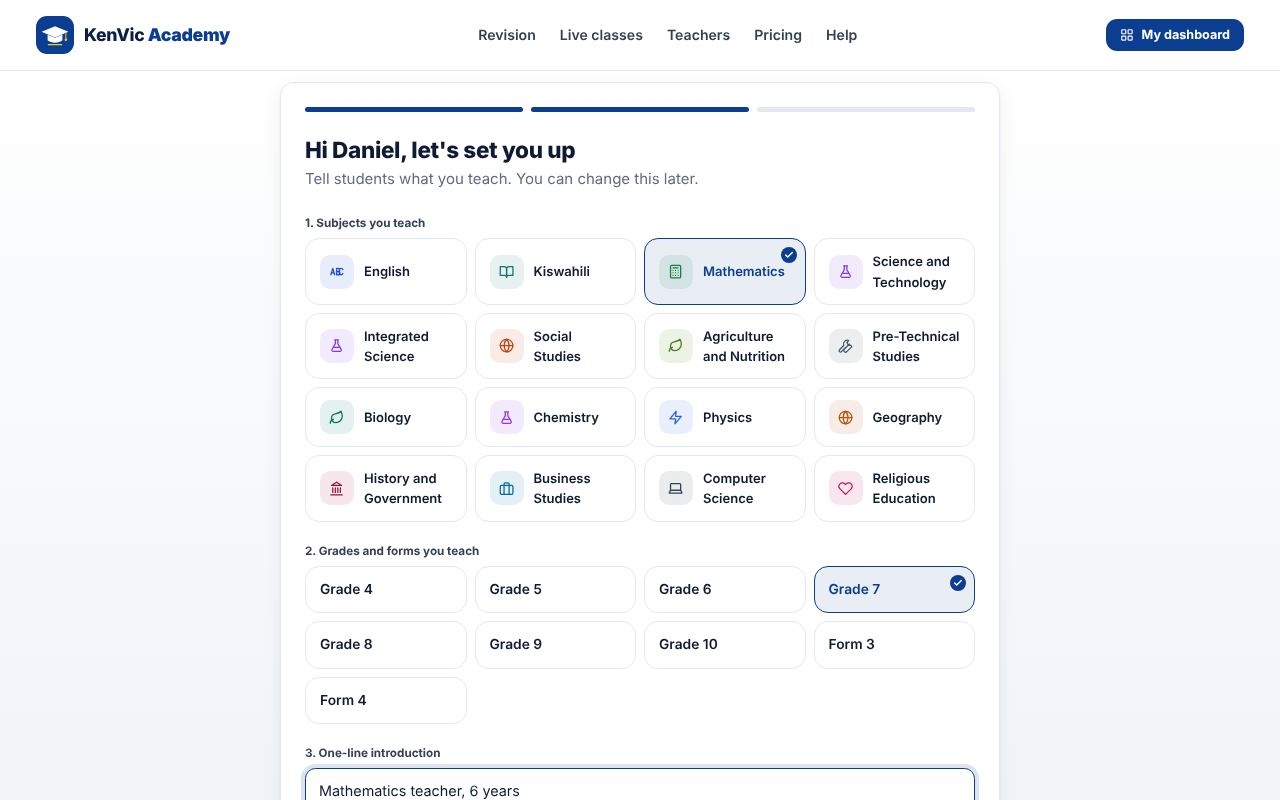
Choose what you teach
Tick your subjects and grades, write a one-line introduction and add the M-Pesa number for your earnings.
-
3
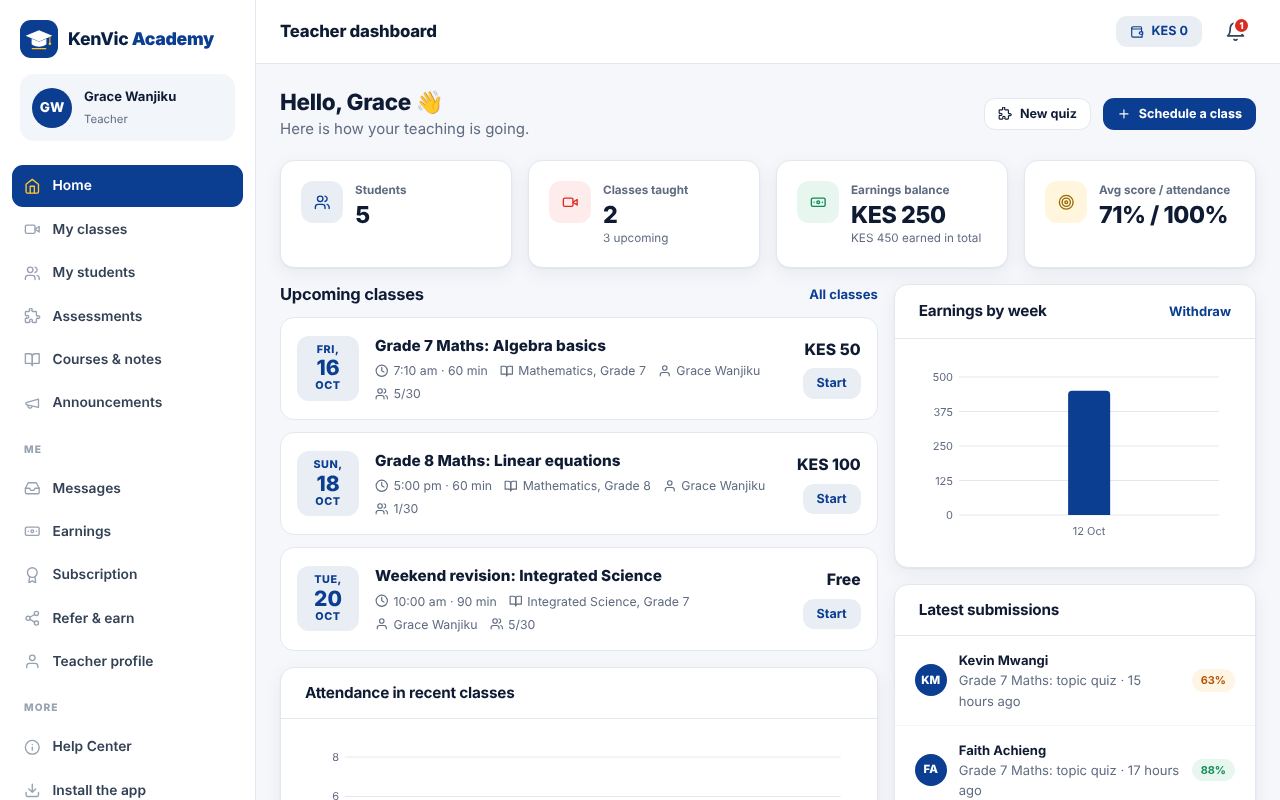
Your dashboard
You land on your teacher dashboard with your classes, students, earnings and charts.
Did this help? If not, send us a message or WhatsApp us.