
Teach live: camera, screen, recording and captions
Start the classroom, share your screen, manage students, record and get a transcript.
-
1
Start the class
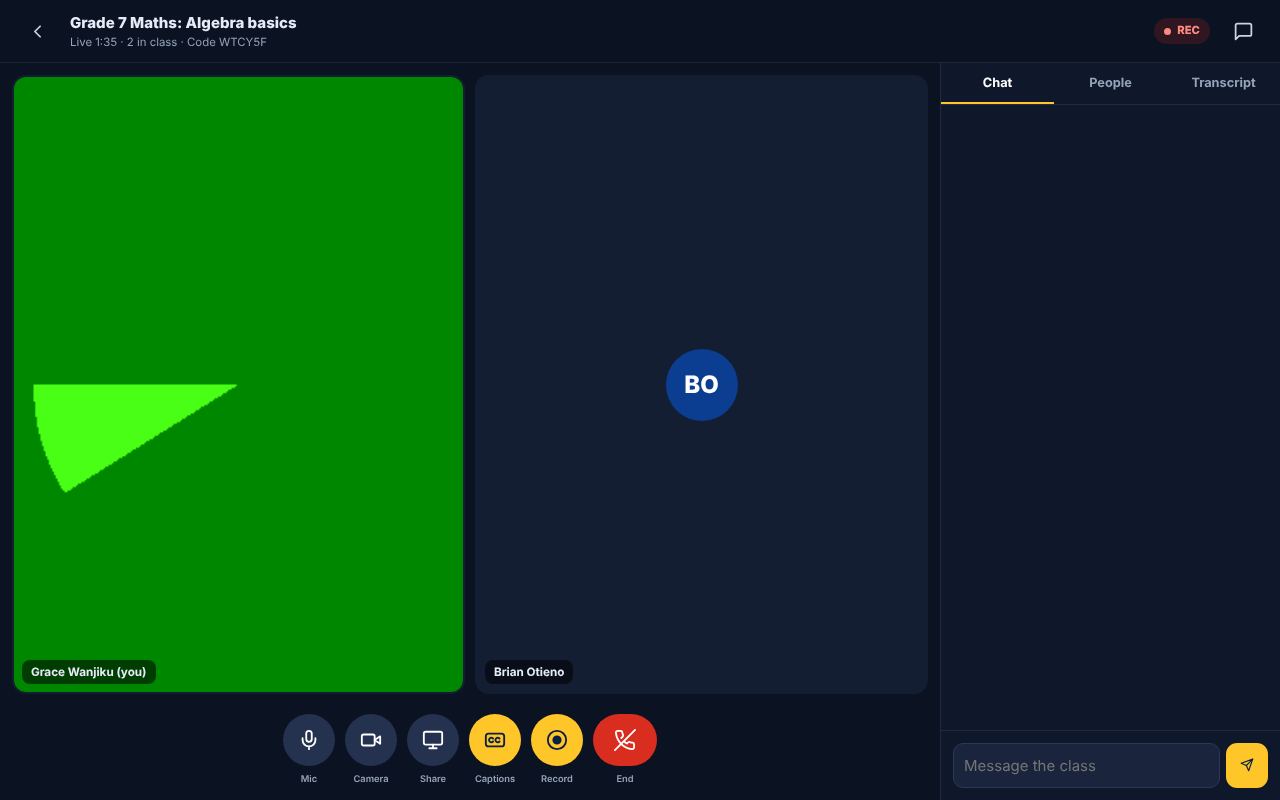
On the class page tap "Start class". Allow camera and microphone. The class goes live and booked students can join.
-
2
Teach
Use the buttons to mute, turn the camera on or off and share your screen to show notes or a whiteboard. Students raise their hands and chat. You can mute everyone.
-
3
Recording and captions
Tap Record to save the class. Captions turn your speech into text, which becomes the class transcript. With an AI key set by the admin, KenVic also writes revision notes from the class.
-
4
End the class
Tap the red button and choose "End class for everyone". Attendance is saved, students get the recording and your earnings are released.
Did this help? If not, send us a message or WhatsApp us.