
Parents: follow your child's progress
Get a private progress link and a weekly report by SMS or email.
-
1
Add the parent contact
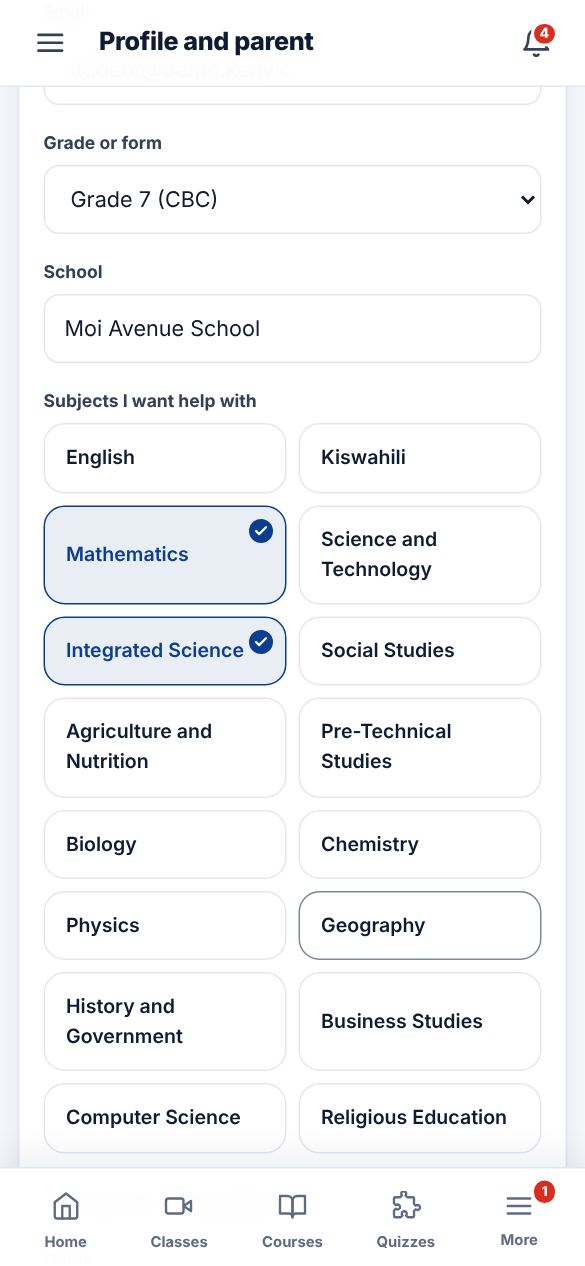
In the student account, open Profile and parent. Fill in the parent name, phone and email, then Save.
-
2
Share the private link
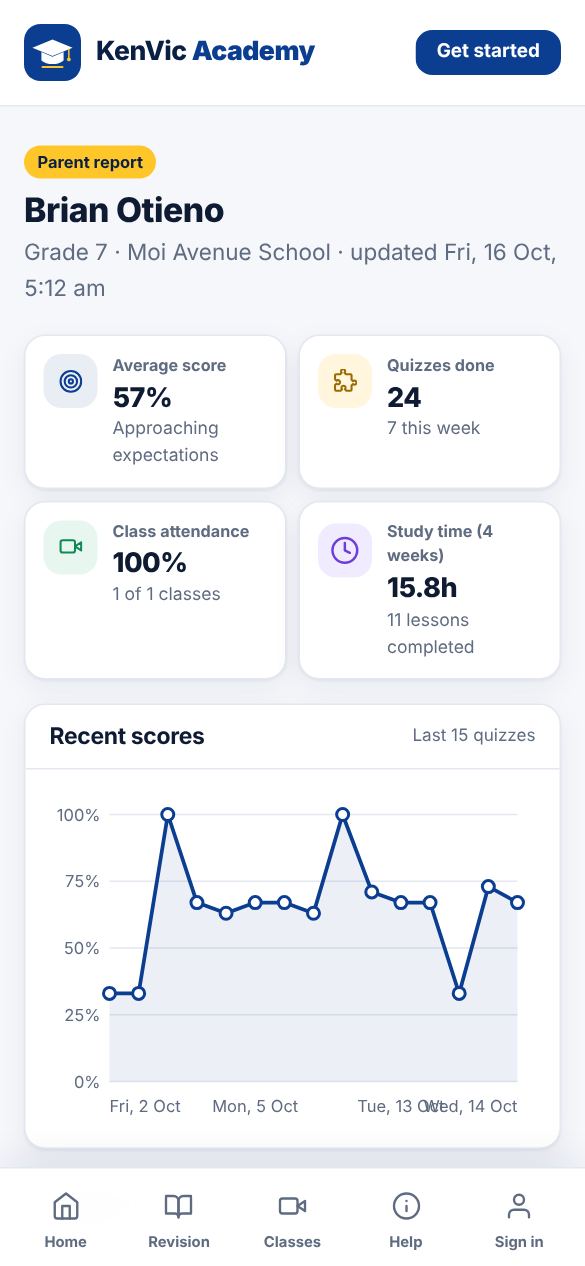
Tap "Send link to parent". The parent gets a private page with scores, attendance, study time and upcoming classes. No password needed.
-
3
Weekly report
Every Sunday evening parents get a short summary of the week with the link to the full report.
Did this help? If not, send us a message or WhatsApp us.