
Join a live class with an invite link or code
Book your seat, then tap Join when the class starts. Works in the browser on any phone or computer.
-
1
Open the invite
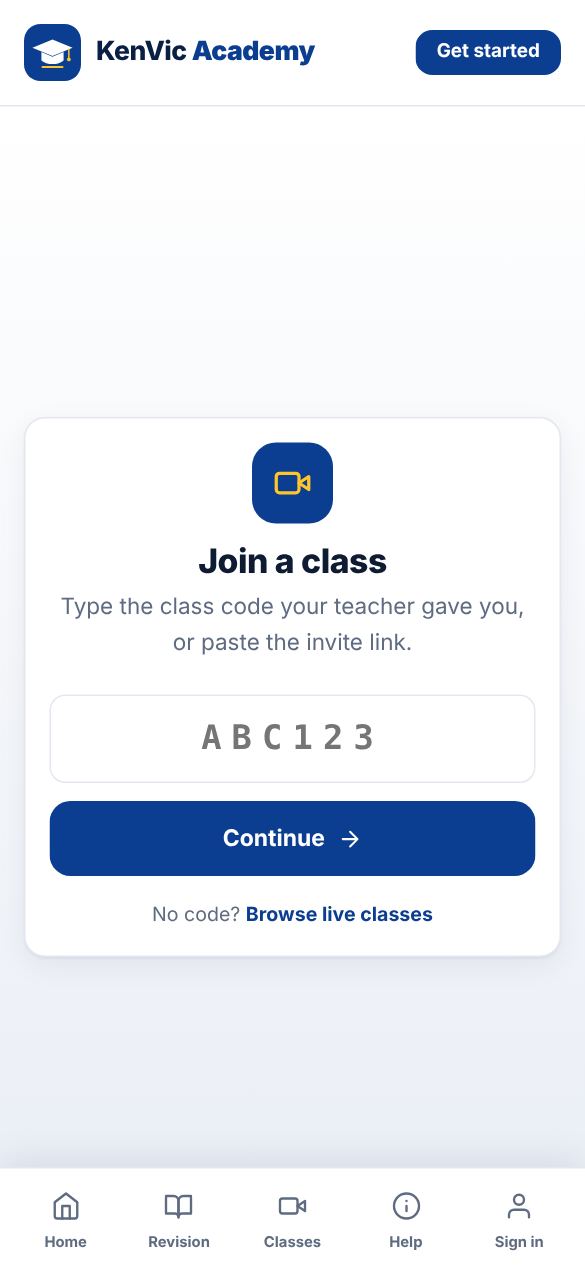
Tap the link your teacher shared, or open Join and type the 6-letter class code. You can also find classes under Classes > Find classes.
-
2
Book your seat
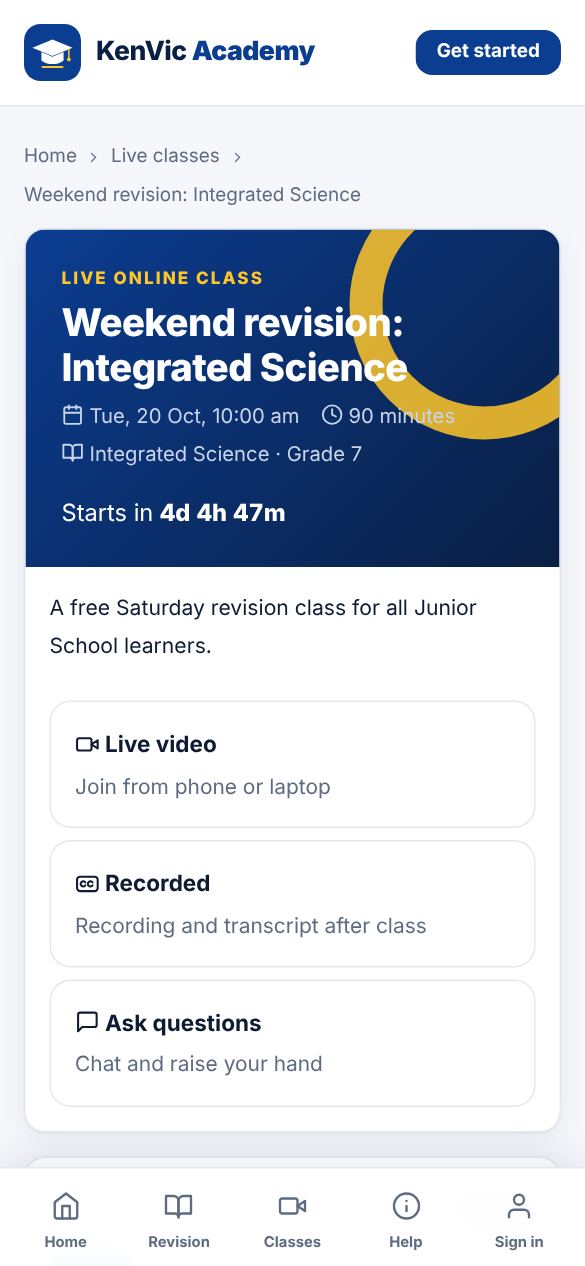
Tap "Book my seat". Free classes book straight away. For paid classes the fee comes from your wallet, or you get an M-Pesa prompt for any amount missing.
-
3
Join the class
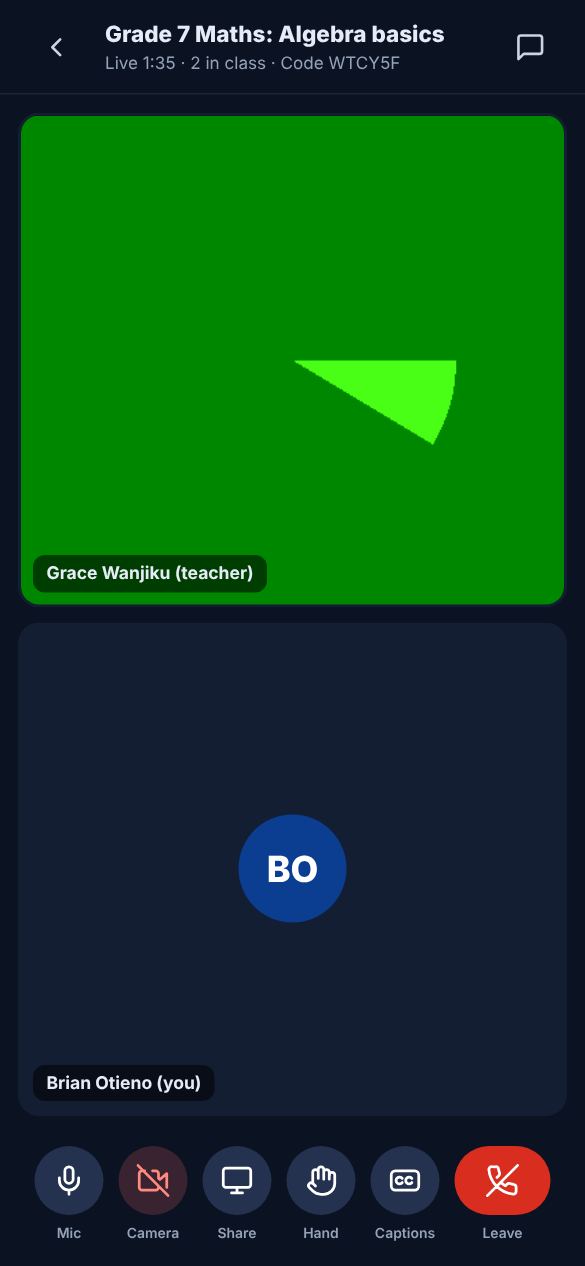
The Join button opens 15 minutes before the start. Allow your microphone (and camera if you want). Use the buttons at the bottom to mute, raise your hand, chat or turn on captions.
Did this help? If not, send us a message or WhatsApp us.