
Install KenVic Academy on your phone
Add KenVic to your home screen so it opens like an app, full screen and signed in.
-
1
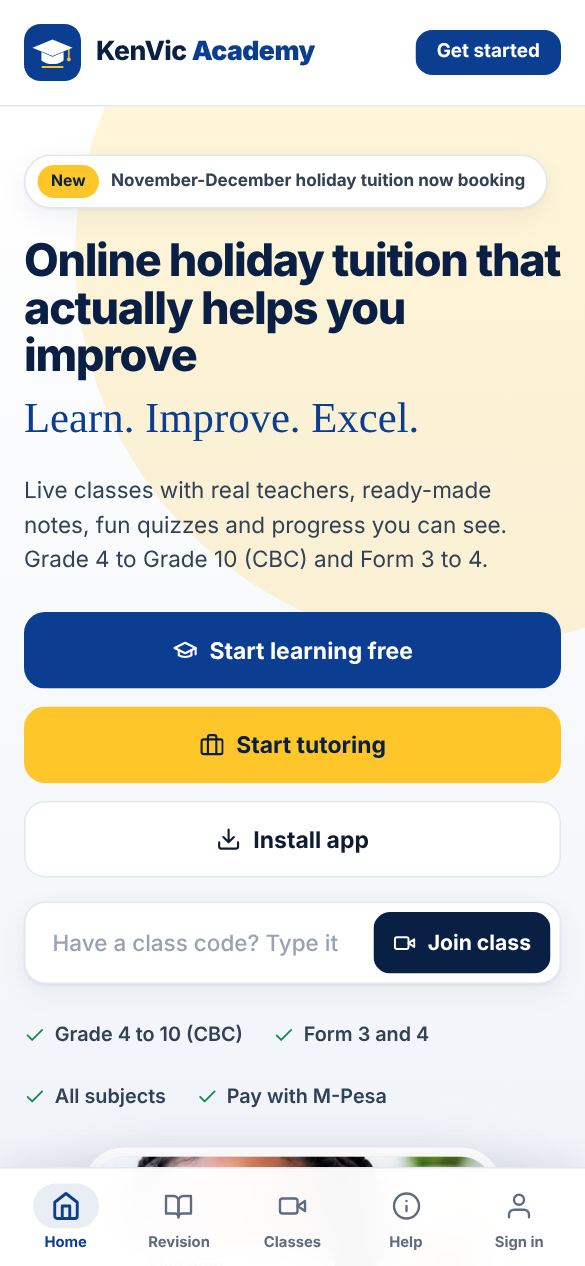
Tap "Install app"
On the home page tap "Install app". On Android in Chrome you get an install prompt: tap Install. The app is small and does not use much data.
-
2
On iPhone
Open the site in Safari, tap the Share button, then "Add to Home Screen" and Add.
-
3
Open from your home screen
Look for the blue KenVic icon with the graduation cap. You stay signed in, and the app opens straight to your dashboard.
Did this help? If not, send us a message or WhatsApp us.