Create your account and choose your grade
Sign up in under a minute with a phone number, pick your grade and the subjects you need help with.
-
1
Open the sign up page
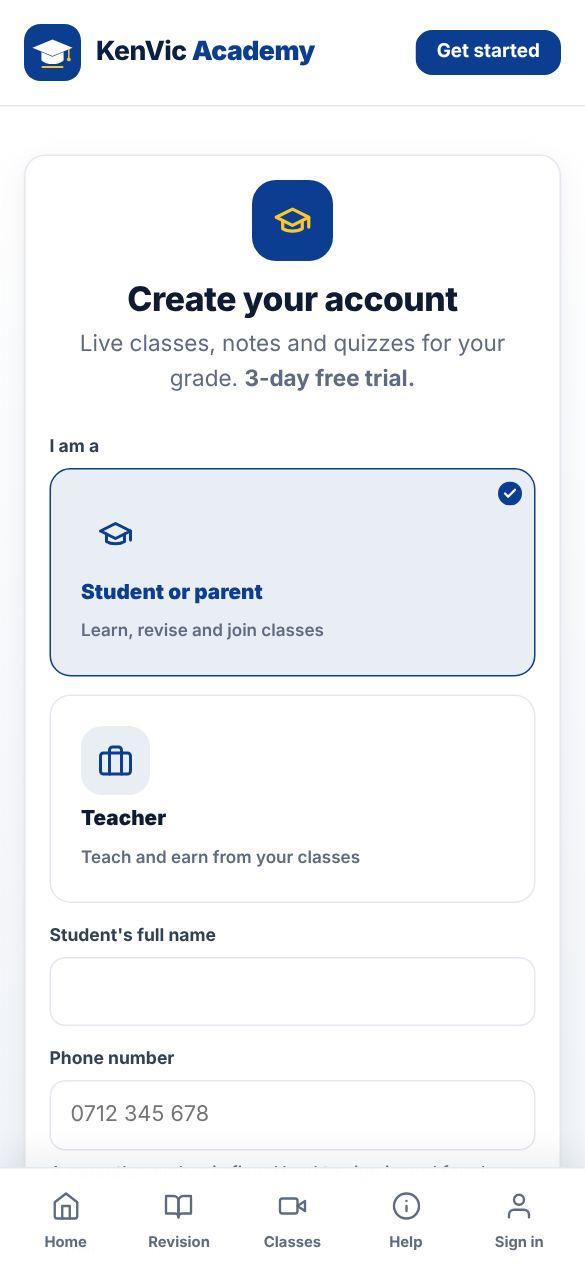
Go to the KenVic Academy home page and tap "Get started", or "Start learning". Choose "Student or parent". A parent can sign up on behalf of their child using the parent's phone number.
-
2
Fill in your details
Type the student's full name, a phone number (07XX or 01XX), an optional email and a password. Tick the box to accept the Terms, then tap "Create my account". New accounts get a free trial.
-
3
Choose your grade and subjects
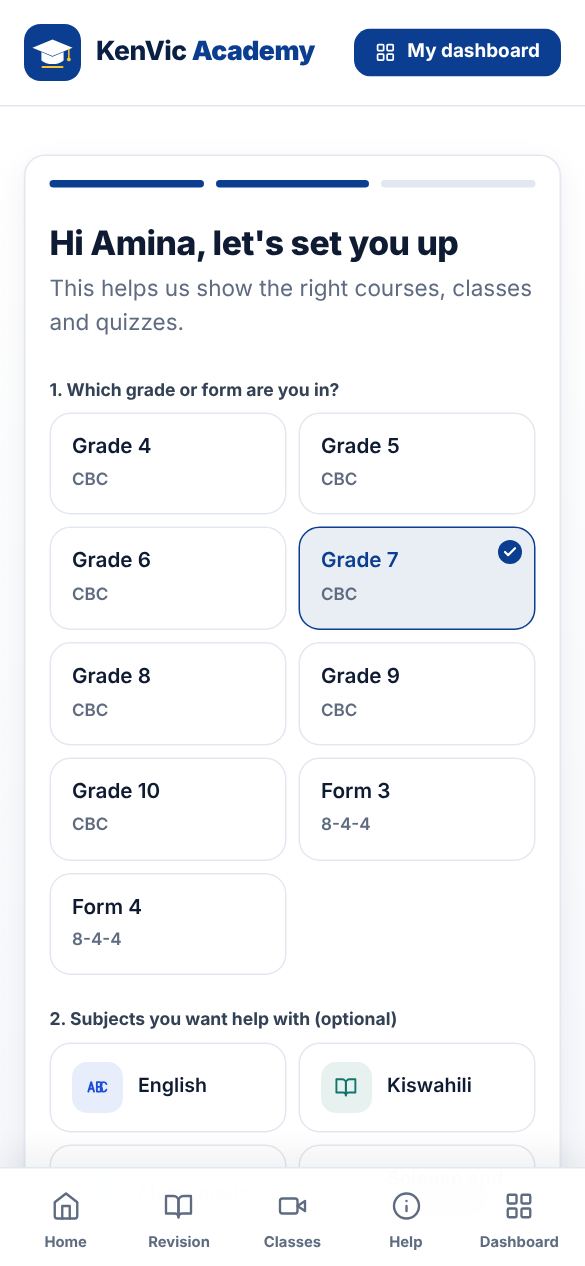
Pick the grade or form, for example Grade 7 or Form 3. You can also tick the subjects you want help with and add a parent's phone for weekly progress reports.
-
4
You are in
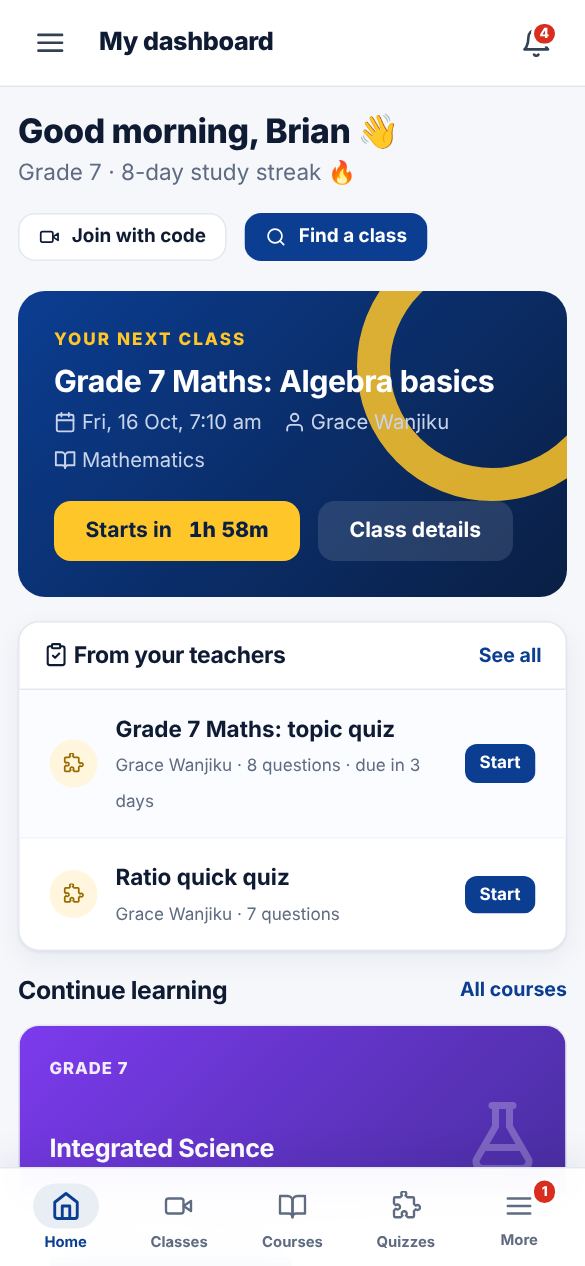
Your dashboard opens with your next class, courses for your grade and quizzes to try. You can change your grade later under Profile and parent.